
Product map

The work around your inbox, finally connected.

Flowboard shows what needs you. Avalon AI, calendar, cleanup, rules, people, integrations, and admin controls help you act on it without hiding the final decision.
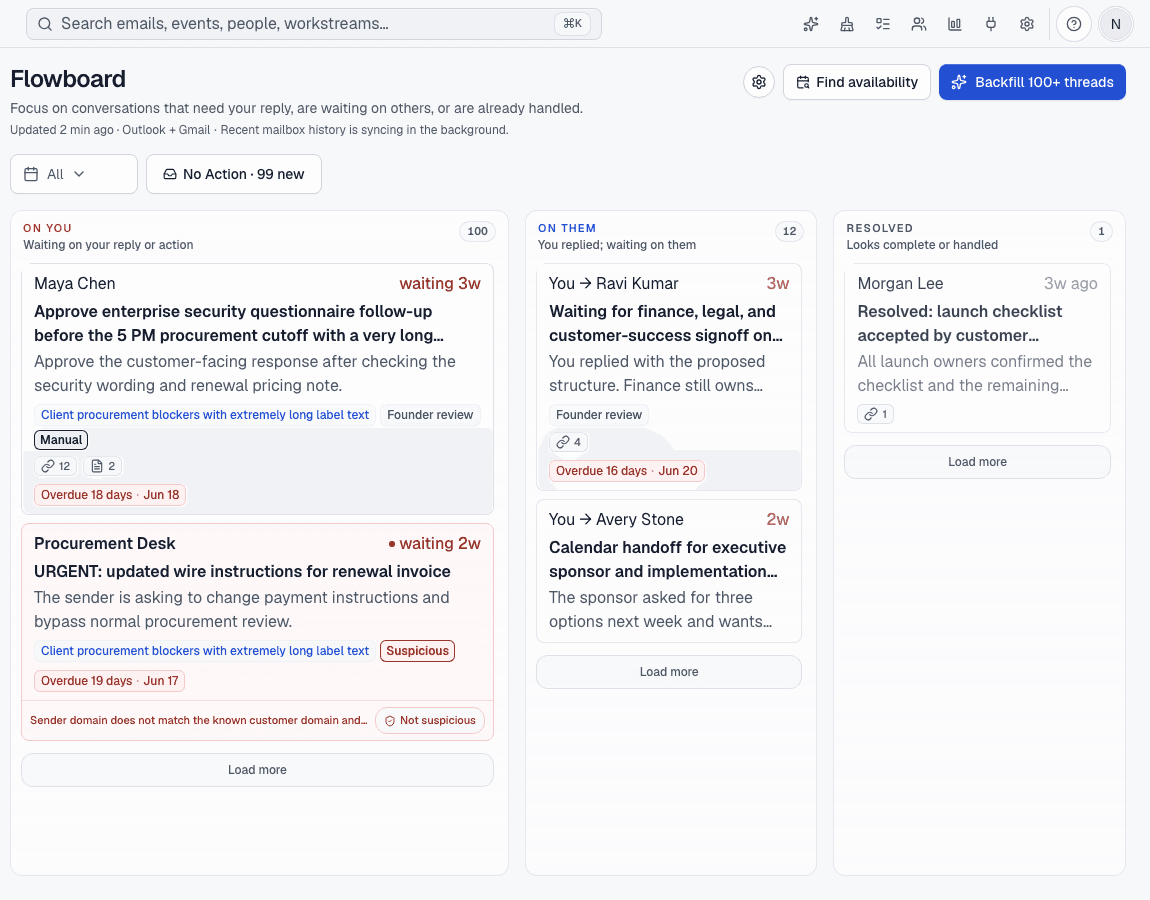
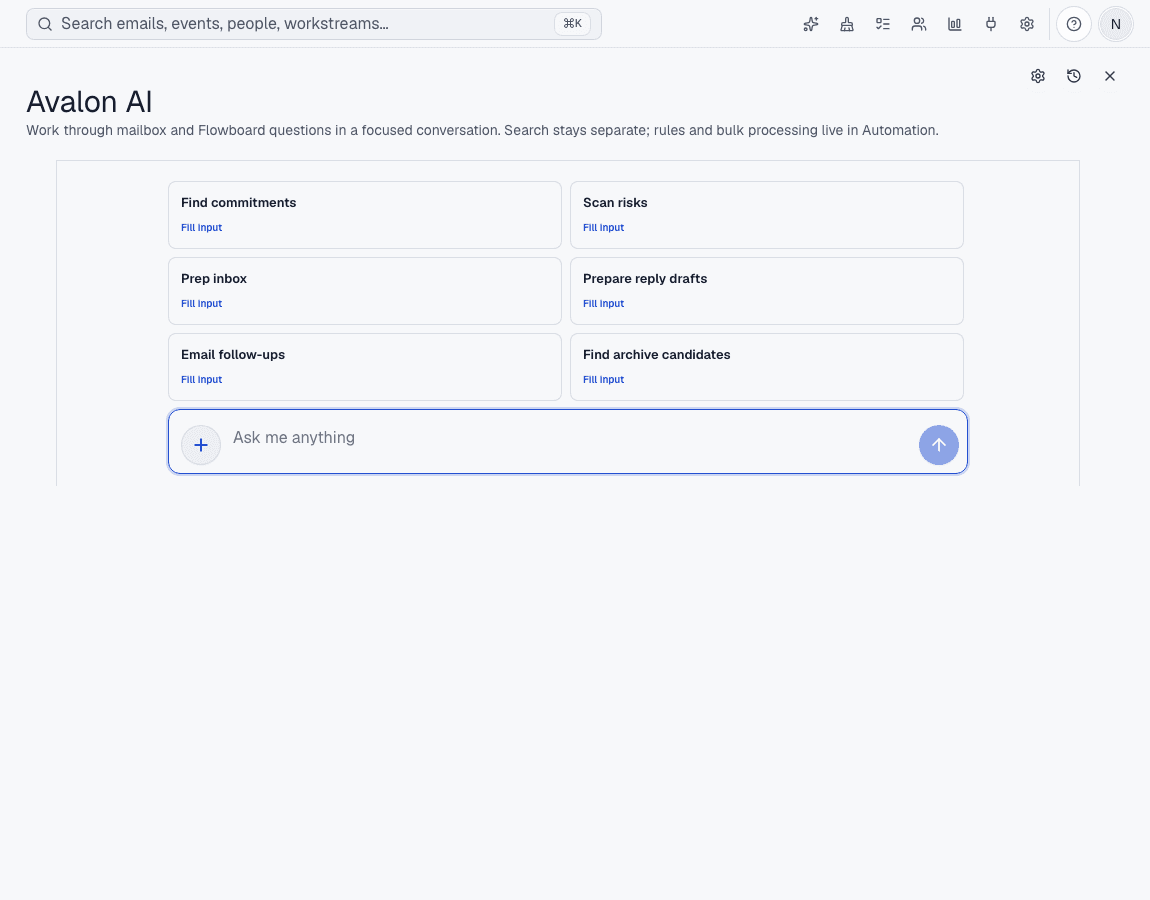
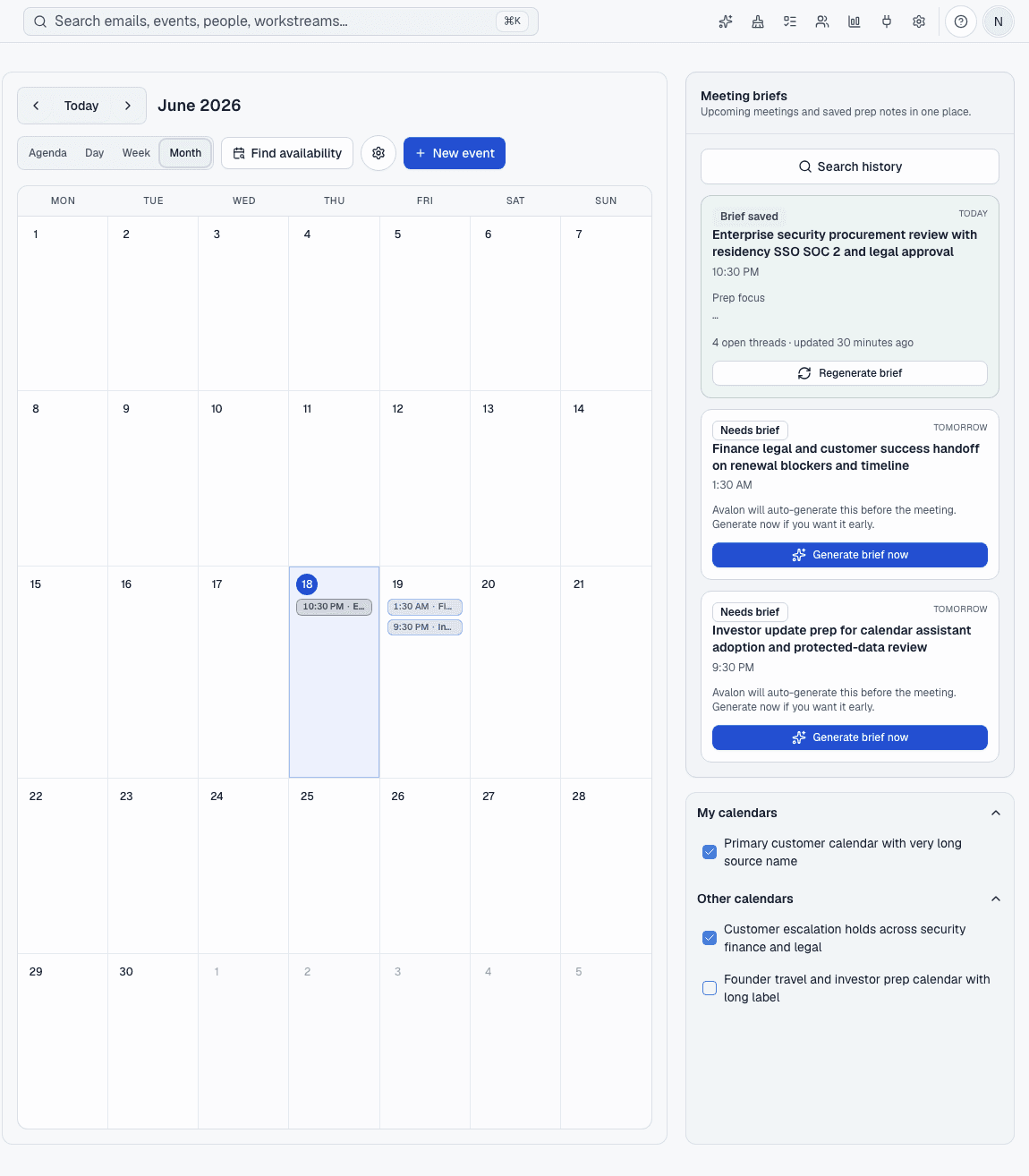
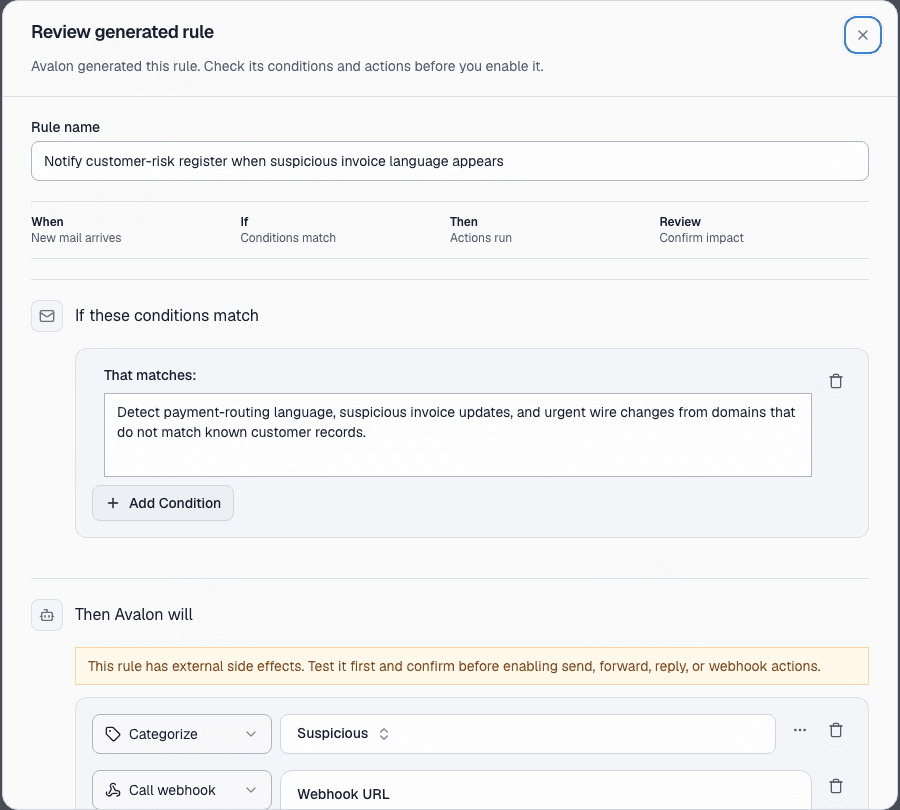
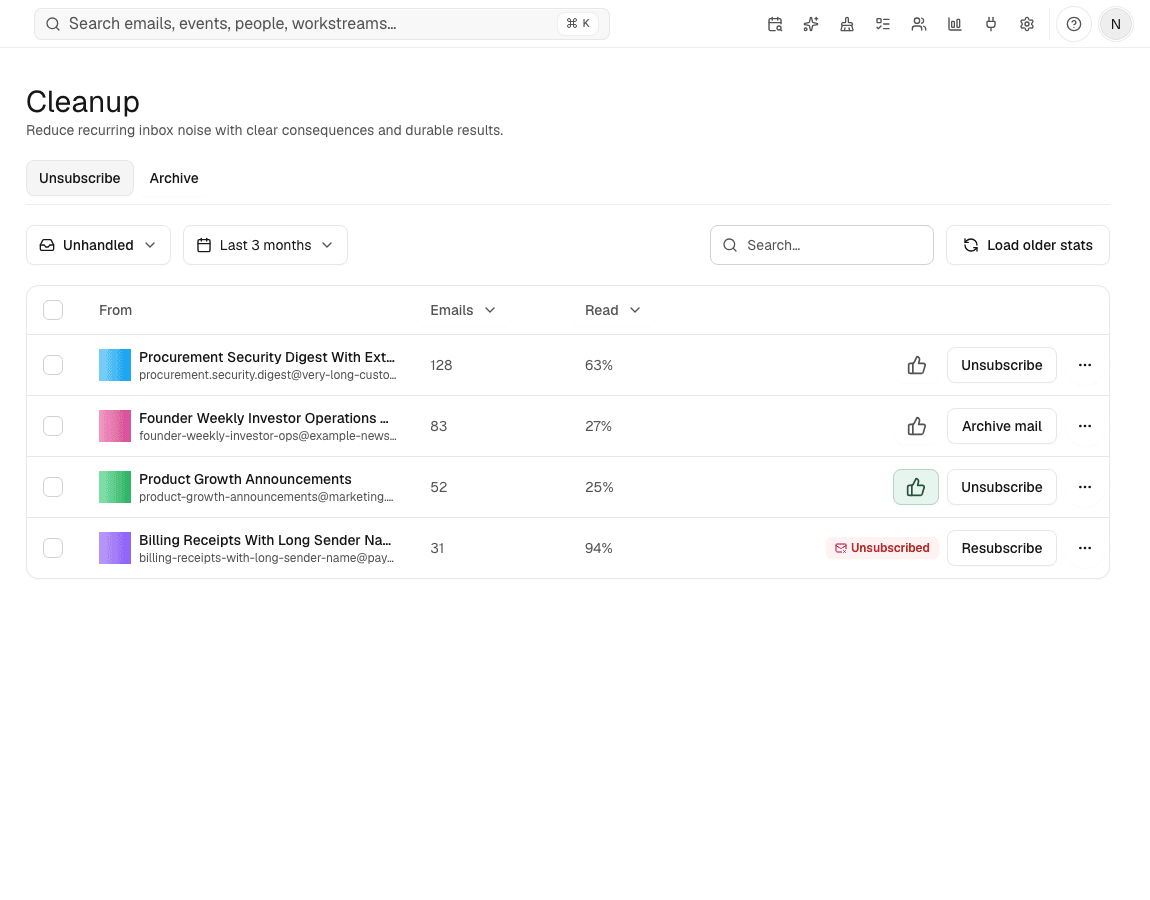
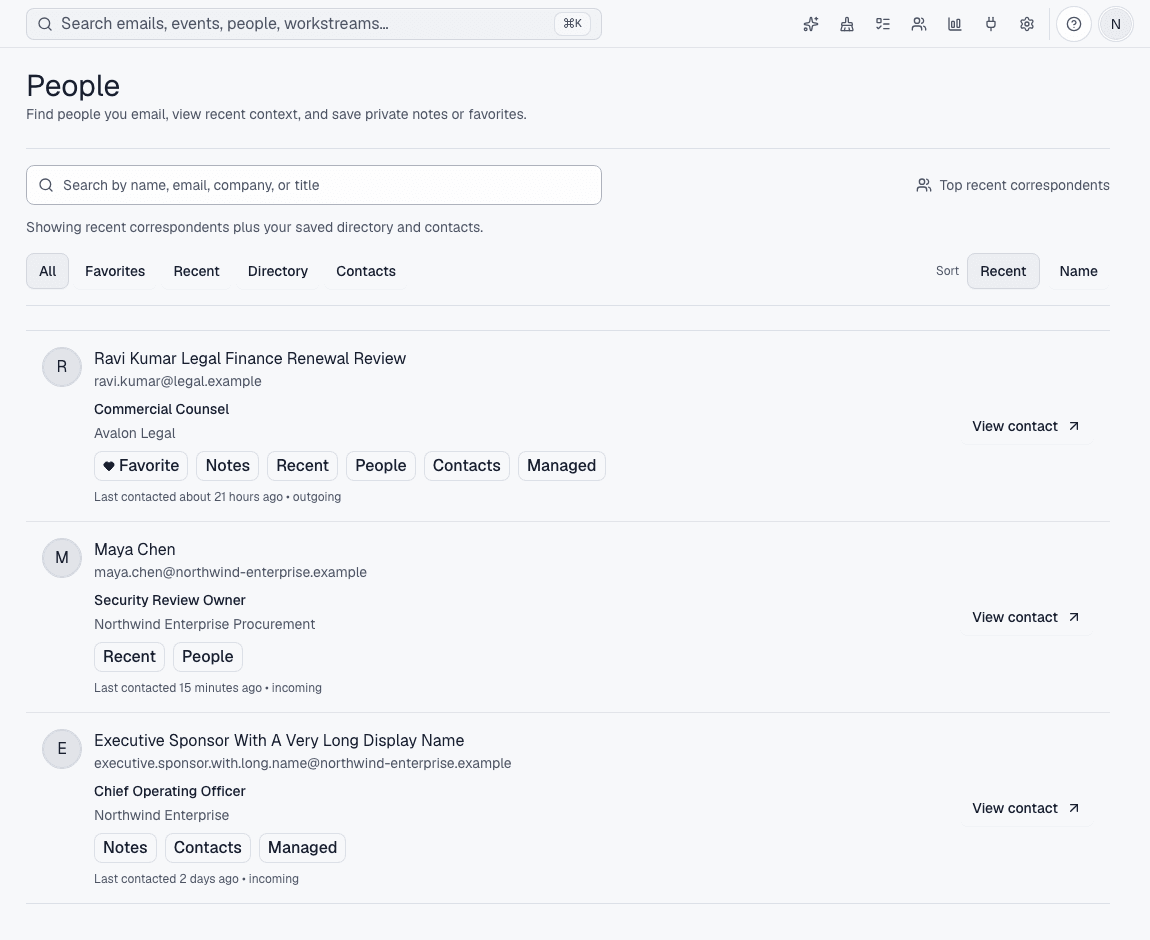
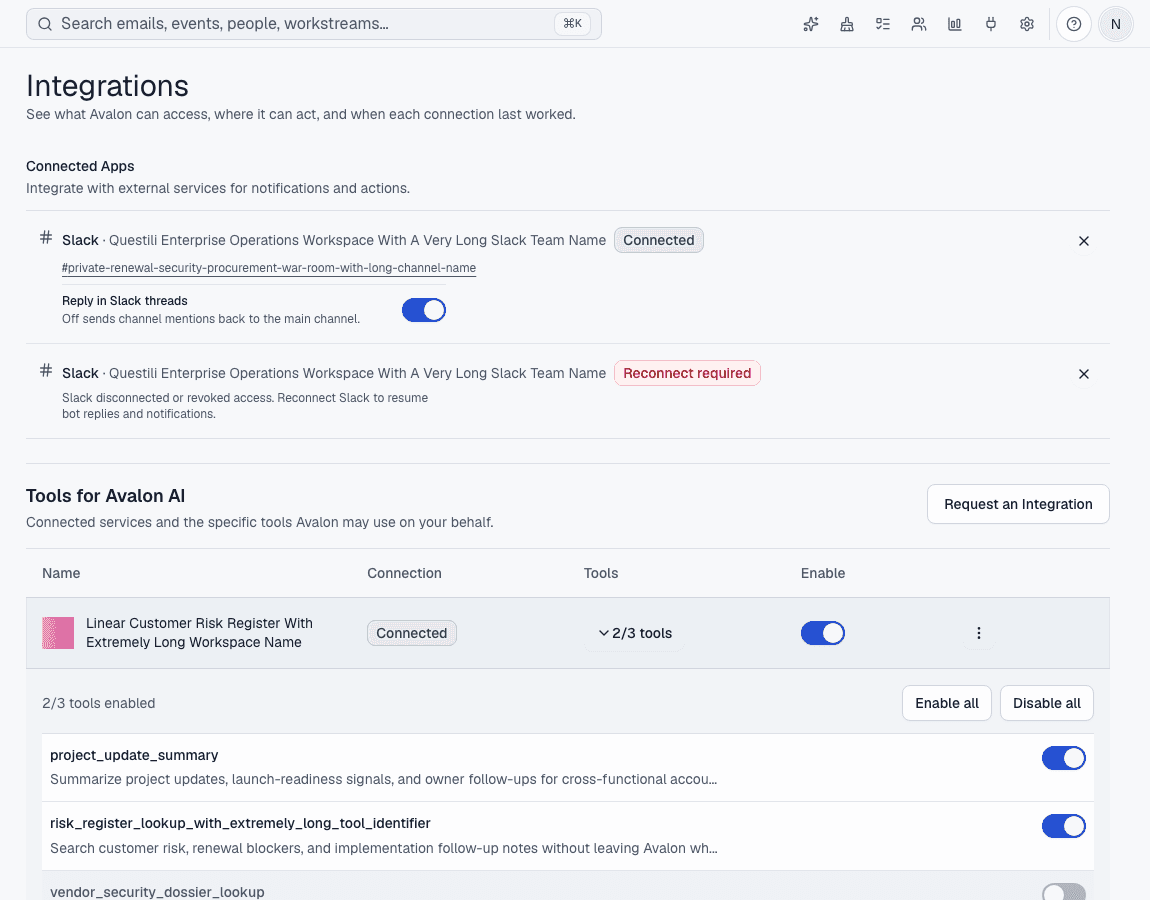
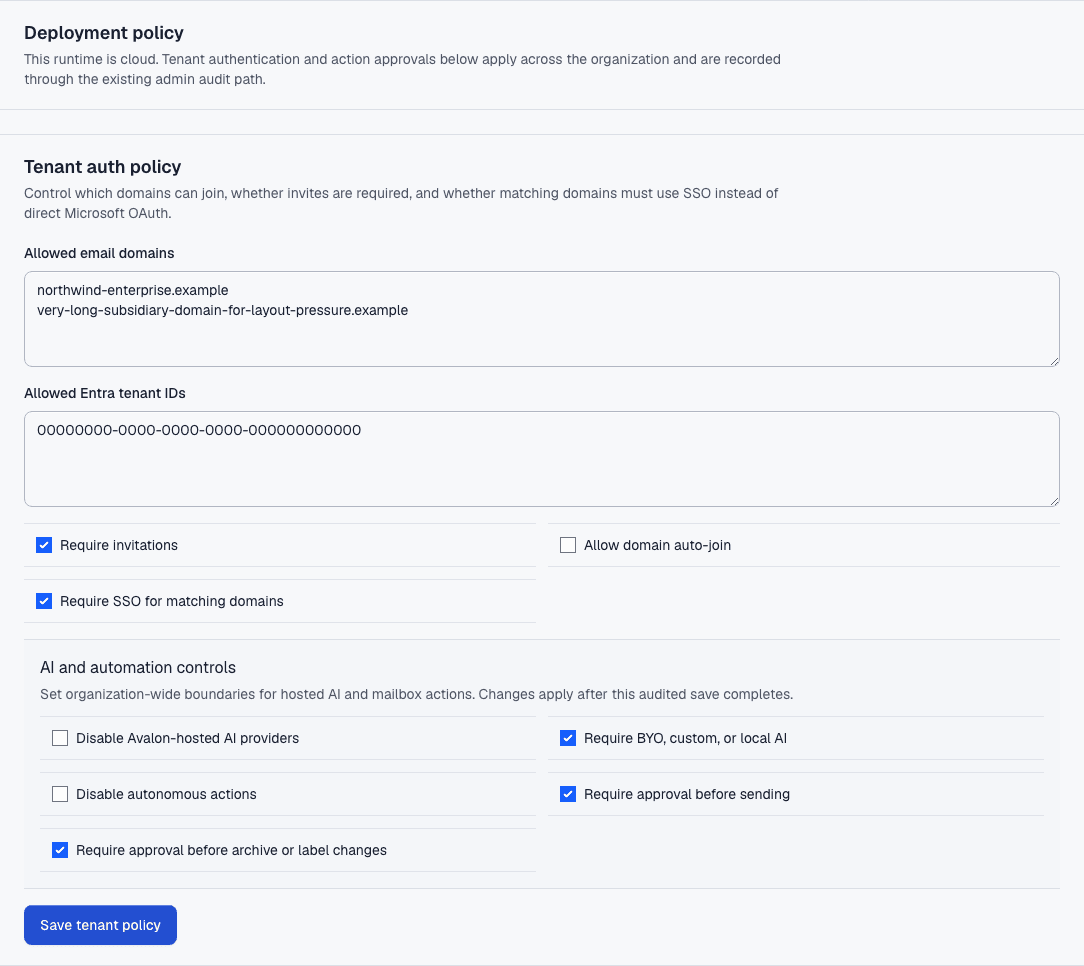
Responsibility boardFlowboardFlowboard turns inbox threads into On You, On Them, Resolved, and No Action so email shows ownership instead of noise.AssistantAvalon AIAvalon AI answers questions and prepares drafts using the inbox, Flowboard, and calendar context you allow.MeetingsCalendar and meeting prepAvalon brings calendar availability and meeting context beside the email work that created the meeting.RulesAutomation rulesAvalon turns repeat email work into inspectable rules that can label, move, archive, or prepare drafts.Noise controlInbox cleanupAvalon helps you find recurring senders, unsubscribe where possible, and archive categories without opening every message.ContactsPeople contextAvalon keeps the person behind an email visible: who they are, when you last spoke, and what you want to remember.Connected toolsIntegrationsAvalon connects selected external tools to Avalon AI and lets you inspect which tools are available.ControlEnterprise controlAvalon supports stronger control over model routes, permissions, admin visibility, and deployment boundaries for larger teams.

The foundation stays close

Read the original conversation whenever you need it, then step back to see which senders, response times, and rules are shaping the workload.

Inbox

Avalon still keeps a direct mailbox path for reading, searching, and acting on conversations when a board view is not the right surface.

Analytics

Teams can inspect mailbox volume, senders, response-time patterns, and rule-processing counts where analytics access is enabled.

Start with the board

Flowboard is the fastest way to see whether Avalon fits how you work. The other surfaces become useful once your real mailbox context is connected.