

Assistant
Avalon AI
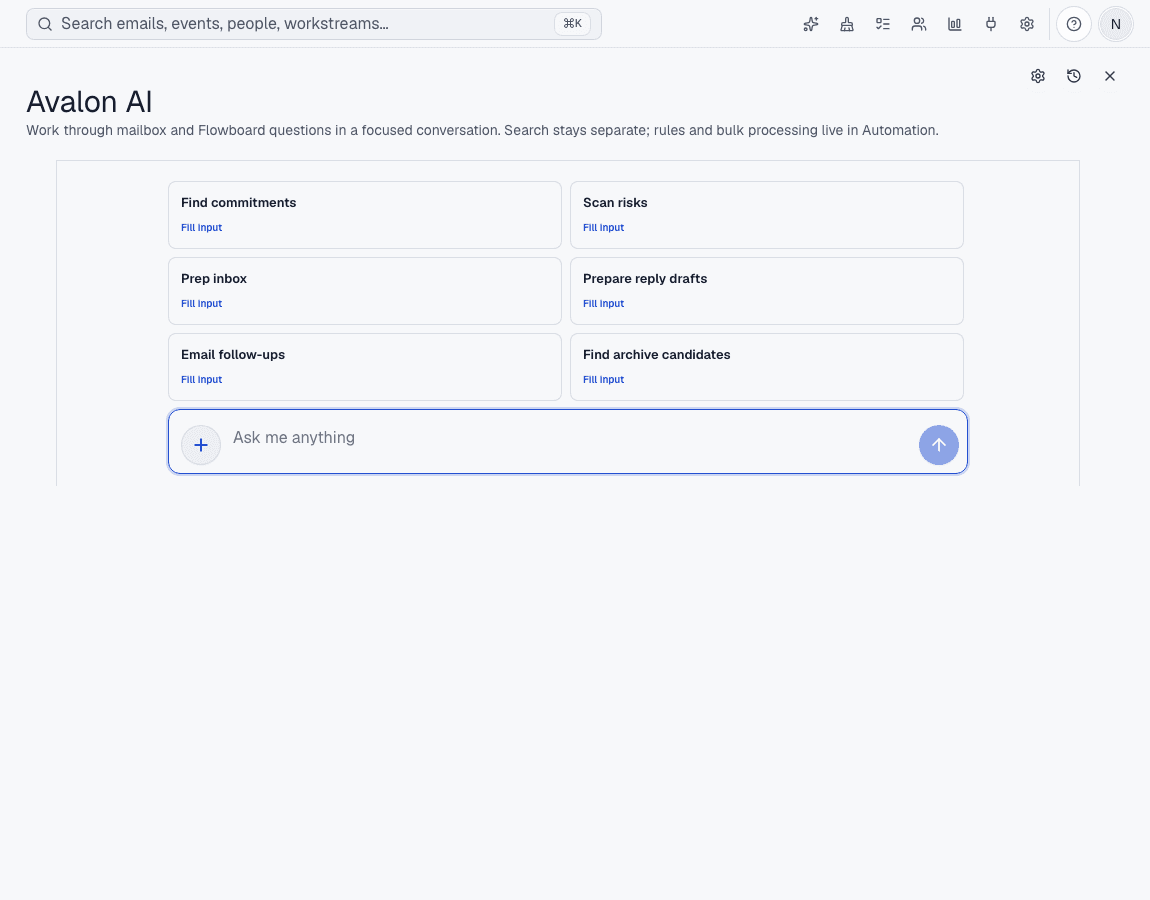
Ask about the work already on screen, get a grounded answer, and turn it into a draft or next step without losing review control.
How it works
1
Choose the context
Use Avalon AI from the assistant, a thread, Flowboard, or supported calendar surfaces.
2
Ask or draft
Request a summary, reply draft, follow-up, availability help, or answer about mailbox work.
3
Review the result
Important sends and external actions stay explicit; Avalon prepares work for you to approve.
Before Avalon
Generic chat starts from a blank box. You copy context from mail, explain what matters, and still have to move the result back.
After Avalon
Avalon AI starts with the selected conversation, board state, and enabled calendar context so the answer is tied to the actual work.
What Avalon supports
- Inbox and Flowboard-aware answers
- Draft preparation and message summaries
- Calendar availability help where calendar access is enabled
- Provider routes through Avalon-hosted AI, ChatGPT sign-in, BYO keys, or compatible endpoints where configured
Important boundaries
- Avalon AI should receive only the context needed for the enabled feature.
- AI output can be wrong; important replies and actions still need review.
Related features
See Avalon with your real mailbox
Start with a connected account, keep important actions reviewable, and decide which AI and automation surfaces belong in your setup.